Opening — a user-first view
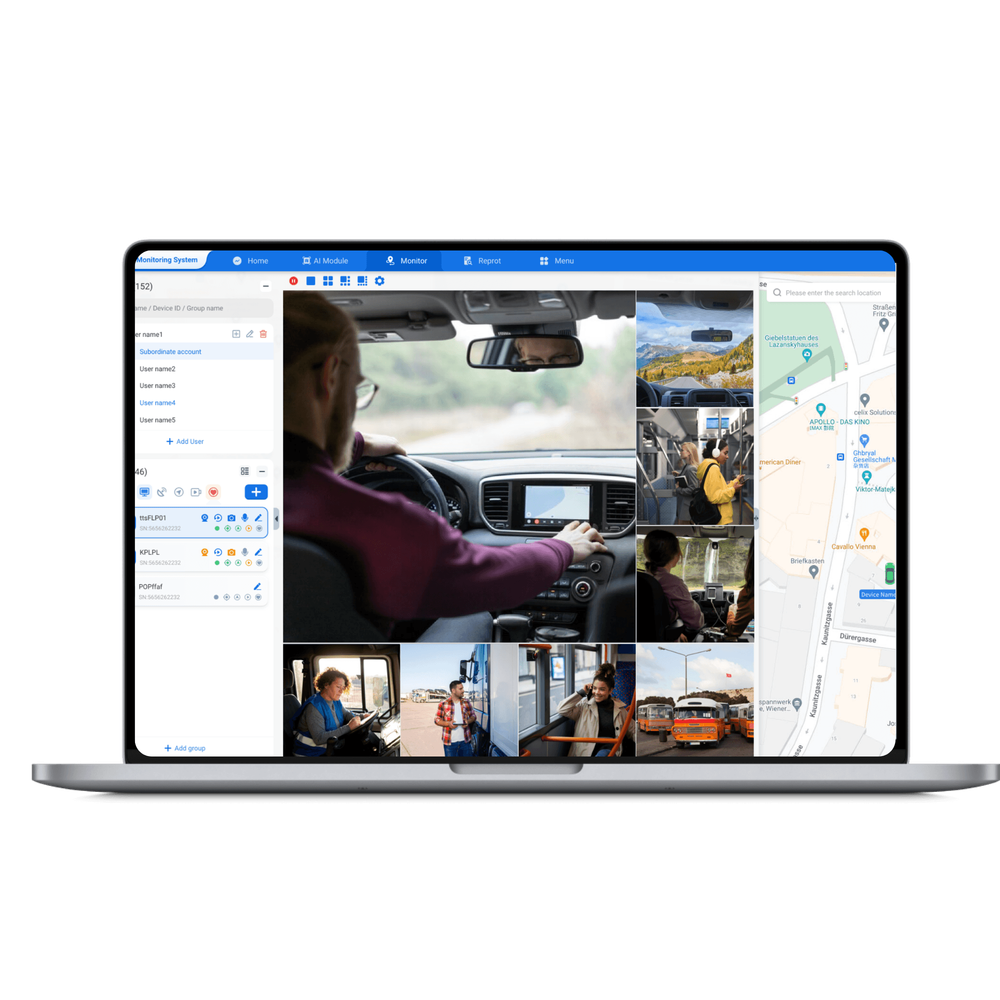
The fleet manager tastes risk every time a vehicle leaves the yard: will the footage be clear, will location and video stay paired, will the device survive vibration and salt spray? Start by asking what your drivers and dispatchers actually need — immediate incident review, long-term evidence storage, or live oversight — and whether you already run a fleet management solution. If your operation depends on live or historical position checks, pairing that with fleet management gps tracking changes the priorities for the DVR. This user-centred approach keeps decisions practical and rooted in everyday use.
Define the mission — what your users will do with the footage
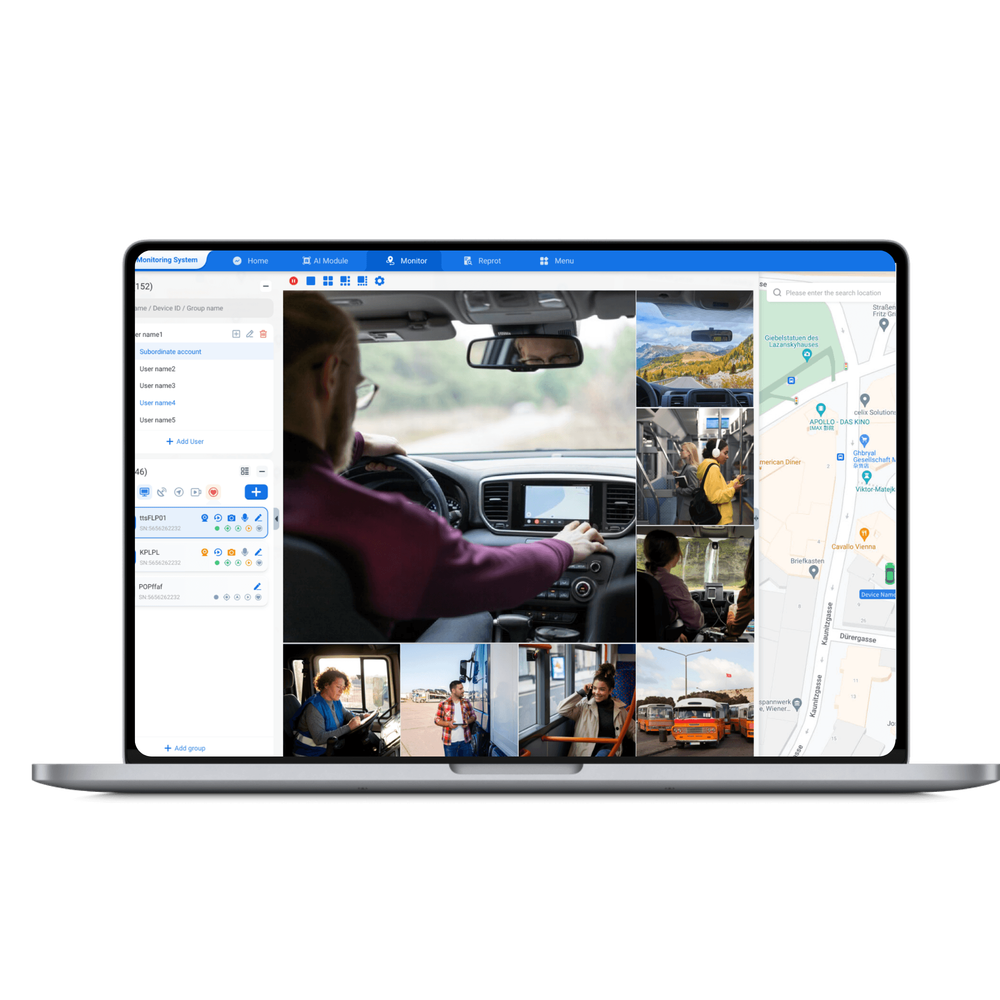
Match the DVR to daily tasks. Think like a driver and a safety manager at once: drivers want seamless, out-of-the-way recording; safety managers want usable, tamper-resistant evidence. Common missions: – Crash reconstruction: needs synchronized GPS and time-stamped 1080p or higher video; – Driver coaching: needs clear cabin-facing footage and frequent uploads; – Theft deterrence: needs parking-mode recording and motion-triggered clips. Your mission determines whether to prioritize bandwidth, storage, or ruggedness.
Core technical senses — what to look for
Inspect these features as if testing ingredients: clarity, consistency, and endurance. Prioritize: – Resolution & frame rate: 1080p at 30 fps gives readable plates and faces in most light; lower light performance matters for night routes. – Compression & storage: H.264 vs H.265 affects storage; H.265 saves space but check playback compatibility. – GPS and time sync: essential for aligning video to routes and events. – Input types: 4-channel analog vs 4-channel IP — IP gives higher resolution but needs more bandwidth. – Power and surge protection: automotive power spikes kill cheap units; look for wide-range input and ignition sensing. – Ruggedness: vibration rating and operating temperature range for long-haul or cold-climate fleets.
Integration with user workflows
Your dispatchers need quick access; your legal team needs secure export. Make sure the DVR supports: – Easy clip export (USB or network) with intact metadata; – Secure access controls and encryption for chain-of-custody; – API or simple integration with your dispatch tools so video links pop up alongside route data. Fleets operating on busy corridors like the I-95 depend on tight video-to-location correlation for claims and compliance, so integration matters more than bells and whistles.
Installation and real-world durability
Installers are users too. Demand clear wiring diagrams, labeled harnesses, and a physical mount that resists loosening. Pay attention to: – Camera cable routing to avoid pinch points and heat; – Grounding and common-power returns to prevent video noise; – CAN bus or OBD-II interfaces if you want telematics data fused with video. Field-tested installs that last use lock-tight hardware, weatherproof connectors, and a small heat-shedding clearance around the DVR.

Common mistakes users make
Avoid predictable failures. Mistakes include: – Buying highest resolution without upgrading storage or upload bandwidth; – Ignoring ignition-sensing so the unit drains batteries during downtime; – Relying on motion detection only for parked-vehicle events (false positives from wind or small animals); – Skipping secure export procedures and losing the chain of custody; – Picking IP cameras without planning for network load and signal coverage.
Compare sensible alternatives
Match device classes to use-cases: – Budget 4-channel analog DVRs: rugged and cheap, fine for basic recording and local export. – Hybrid DVRs (analog + IP inputs): flexible for phased upgrades. – Full IP mobile NVRs: best for high-resolution fleets with reliable cellular or Wi‑Fi upload. Evaluate total cost: device + installation + storage + cellular data. For many operators the hybrid option lets you upgrade cabin or rear cameras later without replacing the whole recorder.
Operational tips for reliability
Run these checks regularly: – Weekly verify time sync and GPS lock for a sample of vehicles; – Monthly pull and inspect a recorded clip from each route type (day, night, highway, urban); – Keep firmware managed centrally and staged before fleet-wide rollout; – Maintain a clear retention policy that matches insurance and regulatory needs so storage is predictable.
Final synthesis — a practical choice that serves people
Choose a 4-channel mobile DVR by starting with users: what drivers tolerate, what dispatchers need, and what auditors will accept. Pick a device whose clarity, GPS sync, and durability match those roles; avoid the temptation to over-specify resolution without provisioning storage and bandwidth. Years of installations show that pairing the right hardware with consistent processes yields reliable evidence and calmer drivers. Practical fleets often standardize on one capable platform and a documented install checklist, and many find a balanced partner in BSJ when they want hardware choices that reflect real operational needs.